How to turn a photo into a line drawing
The fastest way is the converter here: upload a photo, keep the Standard style and get clean black lines on white in about 15 seconds. This guide also covers Photoshop, GIMP, Procreate and hand tracing.
- First drawing free
- SVG, PNG and PDF
- 3 line weights
Your photo is deleted as soon as your page is ready.
Turn a photo into a line drawing online in 4 steps
Upload the photo
Drop a JPG, PNG, WebP or HEIC file into the converter. Crop it first so the subject fills the frame.
Keep the Standard style
Standard turns the detail of the photo into clean outlines. Simple for Kids gives fewer, thicker shapes if you want a bolder, cartoon-like drawing.
Create the drawing
An AI image model redraws the photo the way an illustrator would, keeping the subject and its outline and dropping shading and texture. The result is cleaned into pure black and white.
Choose a line weight and download
Switch between thin, medium and bold for free. Download an SVG vector for cutting machines and design software, or a 300 DPI PNG or PDF for printing and tracing.
Four ways to turn a photo into a line drawing
The right method depends on how much control you want and which software you already have. All four start from the same photo.
An AI line drawing converter
Best when you want a clean result in seconds without drawing skills. The model keeps the pose and proportions of the photo and leaves out clutter such as grass, fabric texture and blurry backgrounds. Use the converter on this page or the photo to outline converter, which adds tracing and stencil tips.
Photoshop
Desaturate the photo, run Filter > Stylize > Find Edges, then use Image > Adjustments > Threshold to turn the gray edges into solid black lines. Expect to erase stray marks in textured areas and to adjust the threshold for every photo.
GIMP, free
The same idea without a subscription: Colors > Desaturate, then Filters > Edge-Detect > Difference of Gaussians, then Colors > Threshold. Try a few radius settings; portraits usually need a smaller one.
Procreate or tracing by hand
Lower the photo's opacity, add a layer on top and trace the main contours with a monoline brush, or tape tracing paper over a print and use a fine black pen. It is the slowest method, but every line is your choice.
Line drawing, sketch or coloring page?
A line drawing keeps only outlines: no shading and no gray. That is what you want for tracing, transfer paper, embroidery and cutting machines, because shading cannot be stitched or cut.
A pencil sketch keeps soft gray tones that suggest light and depth. For that look, use picture to drawing, which has eight hand-drawn styles including Pencil Sketch and Charcoal.
A coloring page is a line drawing laid out on Letter or A4 with closed shapes that are easy to fill in. The guide on how to make a coloring page from a photo walks through it.
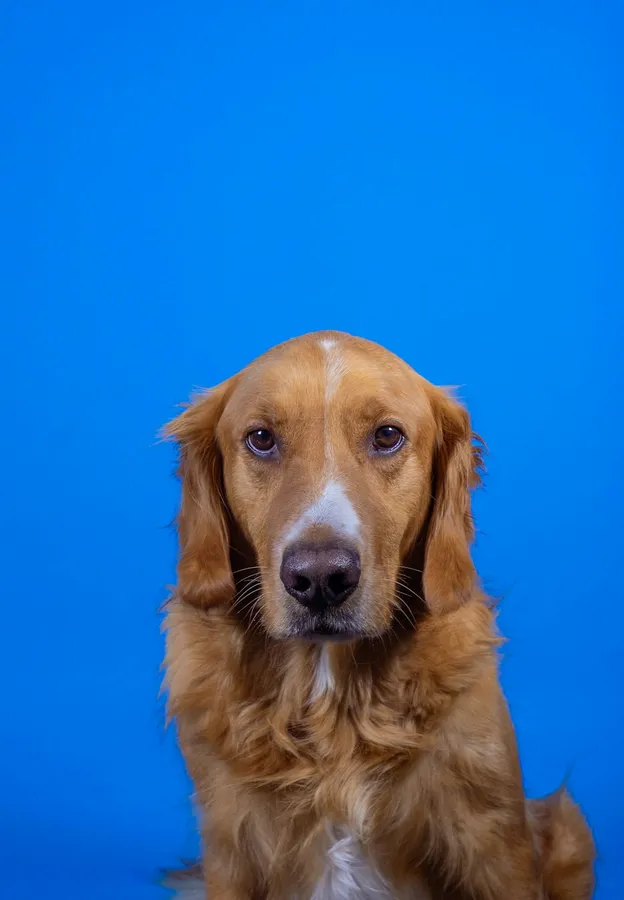
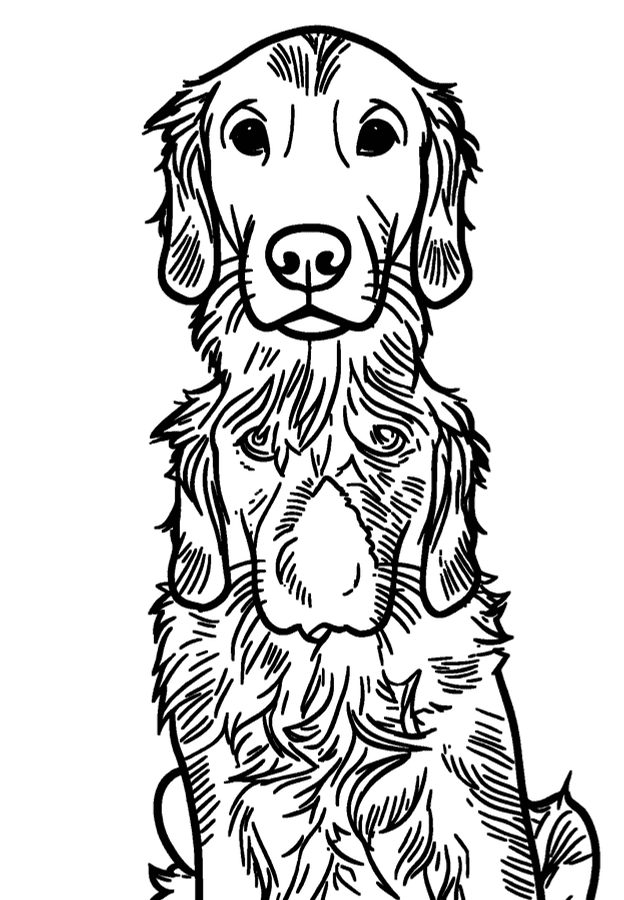
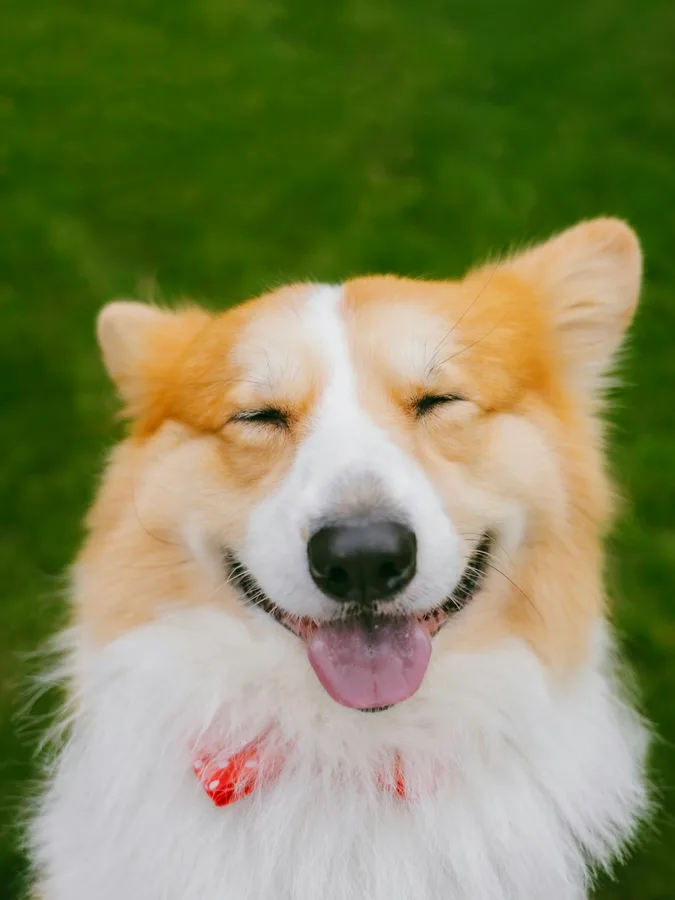
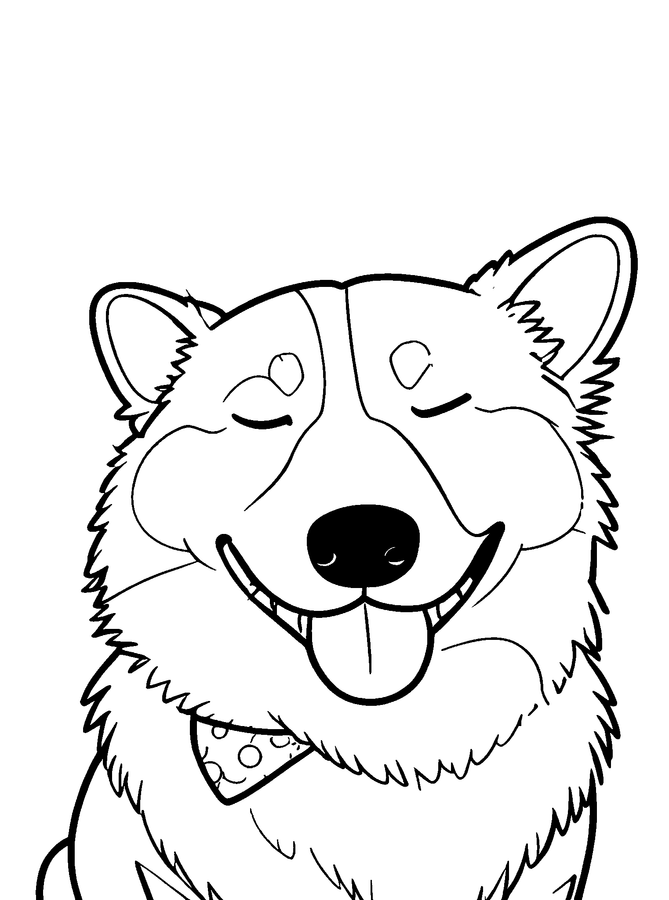
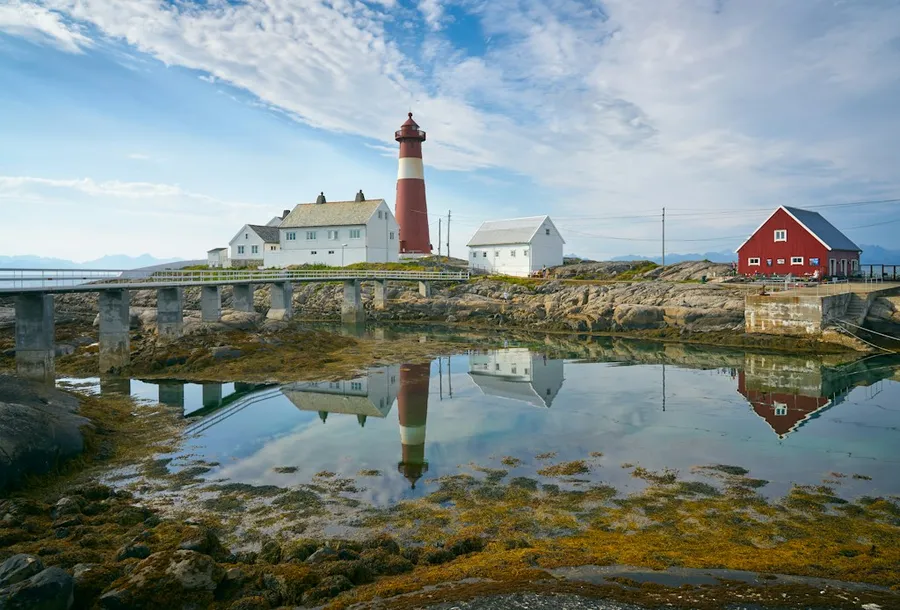
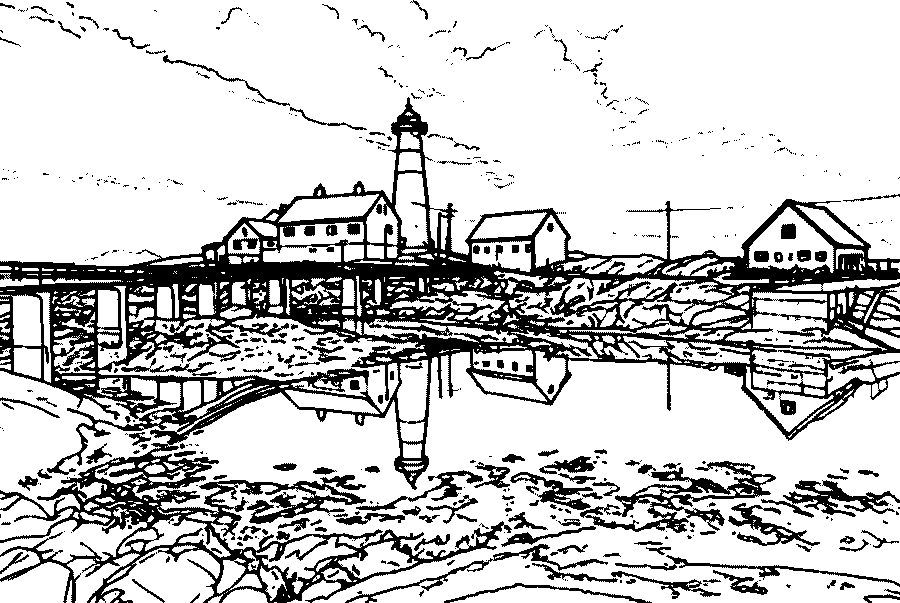
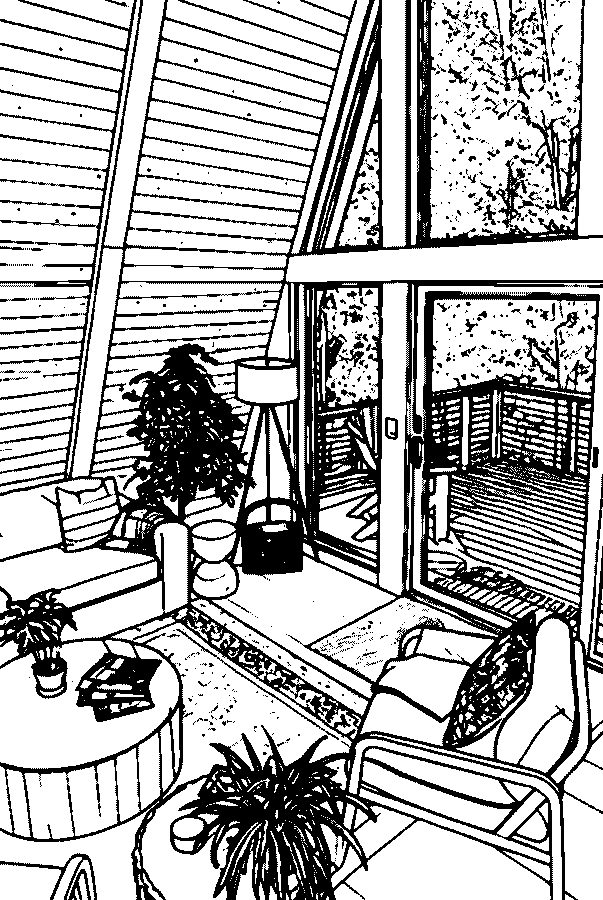
Photo to line drawing examples
Unedited results from this converter. Settings are listed under each pair.

Tips for a cleaner line drawing
Start with a sharp photo
Edges are what become lines. A sharp, well-lit photo gives continuous outlines; blur gives broken ones.
Simplify the background
Crop away clutter, or pick a shot against a plain wall or sky. Fewer background shapes mean a cleaner drawing.
Pick the line weight for the job
Thin for fine-tip pens, light-box tracing and embroidery. Medium for transfer sheets and printed stencils. Bold for cutting machines and anything seen from a distance.
Use the SVG for large sizes
The PNG and PDF are 300 DPI at Letter or A4. For posters, murals or big stencils, scale the SVG instead so the lines stay sharp.
What to do with your line drawing
Embroidery
Print the drawing at hoop size, transfer it to fabric and stitch along the lines.
Painting and wood burning
Transfer the outline to canvas or wood with carbon paper and use it as your guide.
Cricut and Silhouette
Import the SVG, which is made of filled black paths, and cut it from vinyl or card. Bold lines cut most easily.
Cards and gifts
A line drawing of a pet, a house or a couple makes a simple card or a framed print.
Photo to line drawing questions
How do I turn a photo into a line drawing for free?
Upload it to the converter at the top of this page and create it with the Standard style. Your first drawing is free without an account, and a free account adds 3 more. GIMP is a free desktop alternative if you prefer filters.
What is the difference between a line drawing and a sketch?
A line drawing is outlines only. A sketch adds shading in gray tones. Line drawings are better for tracing, embroidery and cutting; sketches work better as artwork on their own.
Can I get the line drawing as a vector file?
Yes. Every drawing downloads as an SVG made of filled black paths, which opens in Inkscape, Illustrator, Canva and Cricut Design Space and scales to any size.
Can I get a transparent background?
The SVG contains only the black line paths plus a white page rectangle you can delete in any vector editor, which leaves the lines on a transparent background. The PNG and PDF have a white background for printing.
How do I make a line drawing from a photo in Photoshop?
Desaturate the photo, apply Filter > Stylize > Find Edges, then Image > Adjustments > Threshold and move the slider until the main outlines are solid black. Paint out leftover specks with a white brush.
Will the drawing keep faces and expressions?
Yes. Eyes open or closed, the direction of a look and the shape of a smile stay as they are in the photo. Fabric prints and blurry backgrounds are left out so the lines stay clean.
Does it work on my phone?
Yes. It runs in the browser on iPhone, Android, tablets and computers, and HEIC photos from iPhone are accepted. There is nothing to install.
Turn your photo into a line drawing
Upload a picture and download clean line art in under a minute.
Upload a photo