
How to make a coloring page from a photo
Upload a photo here and follow the four steps below. Your first page is free without an account, and most pages are ready in about 15 seconds.
- First page free
- About 15 seconds
- Letter and A4 PDF
Your photo is deleted as soon as your page is ready.
Make a coloring page from a photo in 4 steps
Pick and crop your photo
Choose a photo with one clear subject: a child, a pet, a house, a favorite toy. Crop it so the subject fills most of the frame. JPG, PNG, WebP and iPhone HEIC files all work.
Choose a style
Standard keeps more detail from the photo and suits older kids and adults (1 credit). Simple for Kids draws fewer, bolder shapes for young children (2 credits).
Create the page
Press Create coloring page. An AI image model redraws the photo as black outlines, and the result is cleaned into pure black and white, so there are no gray smudges to print.
Pick a line weight and print
Switch between thin, medium and bold lines for free, then press Print or download a 300 DPI PDF at US Letter or A4. PNG and SVG files are there too.
Which photos make the best coloring pages
The converter keeps the subject, pose and framing of your photo, so a page can only be as clear as the picture you start with. These four checks take a minute and save credits.
One clear subject
A single person, pet or object reads best. Group photos work too, but small faces at the back turn into a few lines each and are hard to color.
Even light
Daylight or a bright room. Hard shadows across a face become extra lines, and very dark photos lose detail.
A calm background
A plain wall, sky or lawn leaves room for the subject. Shelves, crowds and patterned wallpaper fill the page with tiny shapes.
Sharp focus
Motion blur gives soft, broken outlines. If you took a burst of shots, pick the sharpest one.
Match the page to who is coloring
The same photo can become a page for a three-year-old or for an adult with fine-tip pens. Two settings make the difference: the style you pick before creating, and the line weight you pick afterwards.
Toddlers and preschoolers
Simple for Kids with bold lines: big shapes and thick outlines that are easy to stay inside.
Kids from about six
Standard with medium lines, the everyday choice for crayons and markers.
Older kids and adults
Standard with thin lines keeps hair, fur and small details for colored pencils and fine-tip markers.
Classrooms and parties
Bold lines photocopy well, so one page can be printed for the whole group.
Other ways to turn a picture into a coloring page
An online converter is the quickest route, but it is not the only one. Here is how the common alternatives compare.
Photo editing filters
In Photoshop or GIMP you can desaturate the photo, run an edge-detection filter and push the result to black and white with a threshold. It is free if you already have the software, but filters trace every change in brightness, so grass, fabric and shadows come out as specks you erase by hand.
Tracing by hand
Print the photo, tape tracing paper over it and draw the main outlines with a black pen, or trace on a tablet on a layer above the photo. You decide every line, but a detailed page takes a while.
Design tools and chatbots
General design tools and chat assistants can redraw a photo as line art when you ask. Results change from one try to the next, faces can drift, and you still have to fit the image to Letter or A4 and remove gray areas before printing.
A photo to coloring page converter
A tool built for this keeps the pose and faces from your photo, outputs pure black lines and lays the page out for printing. The photo to coloring page converter shows every style side by side.
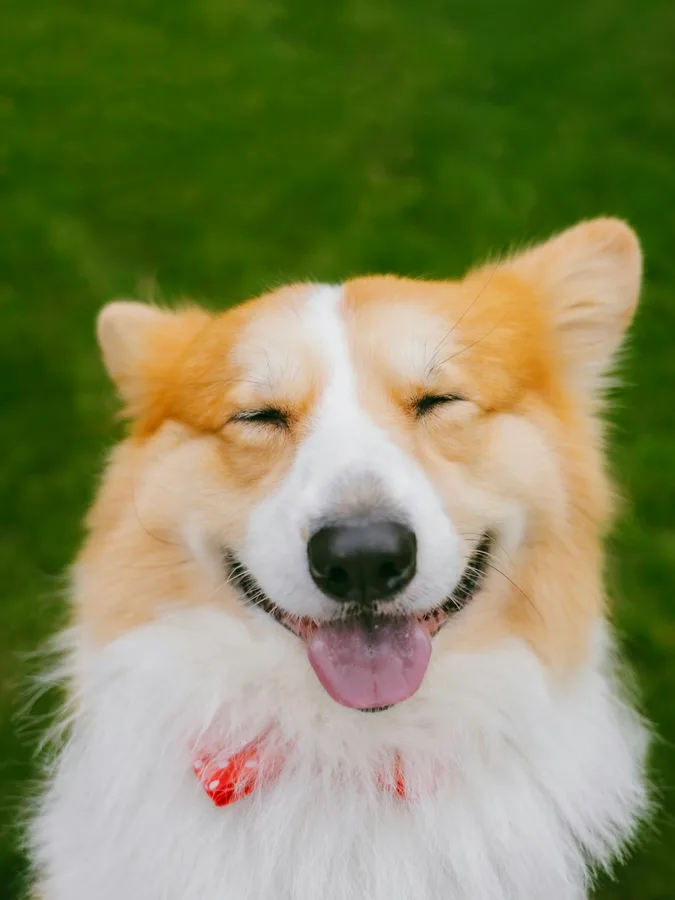
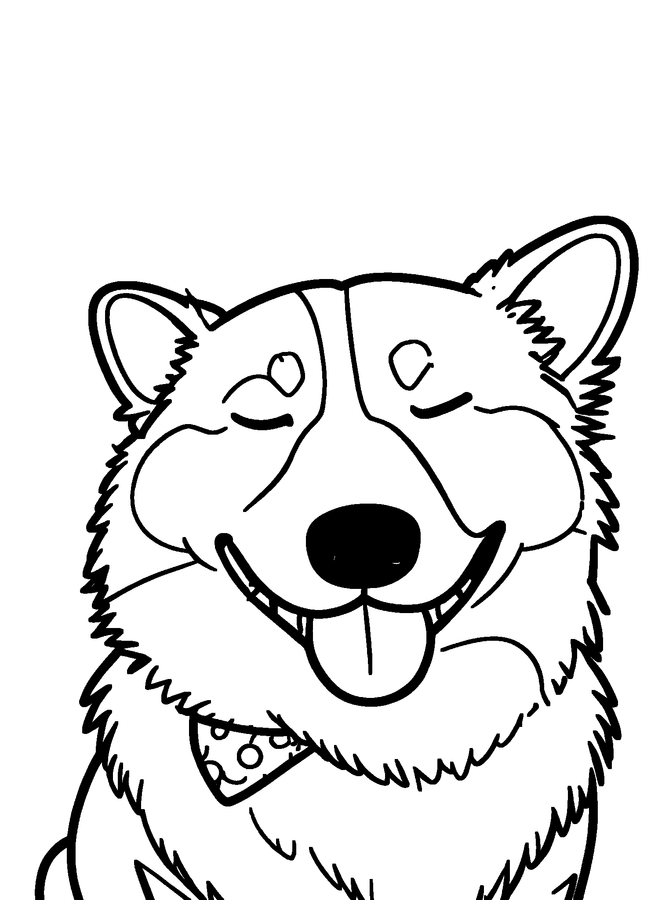
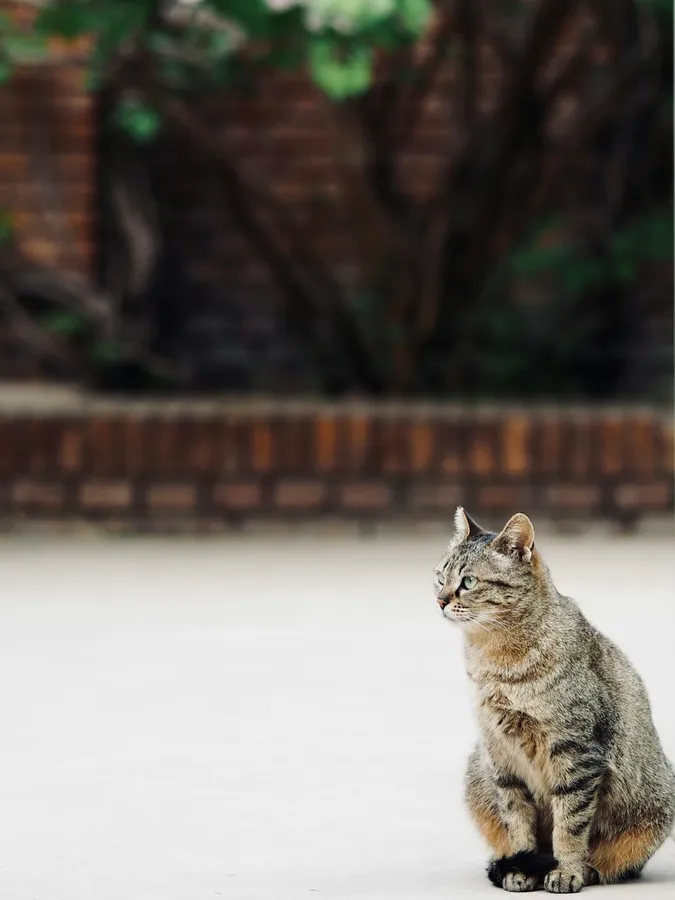
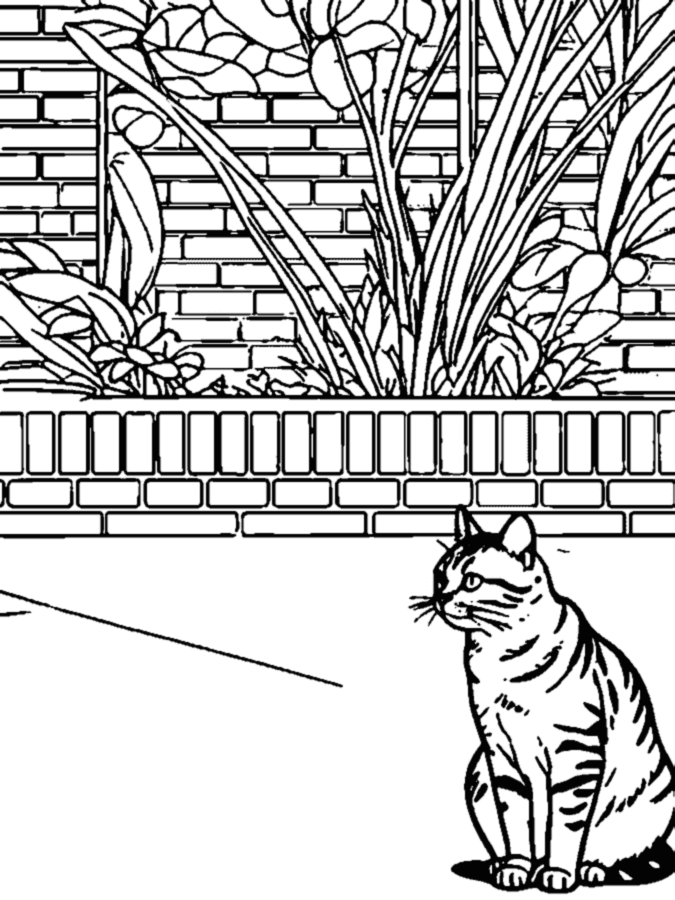
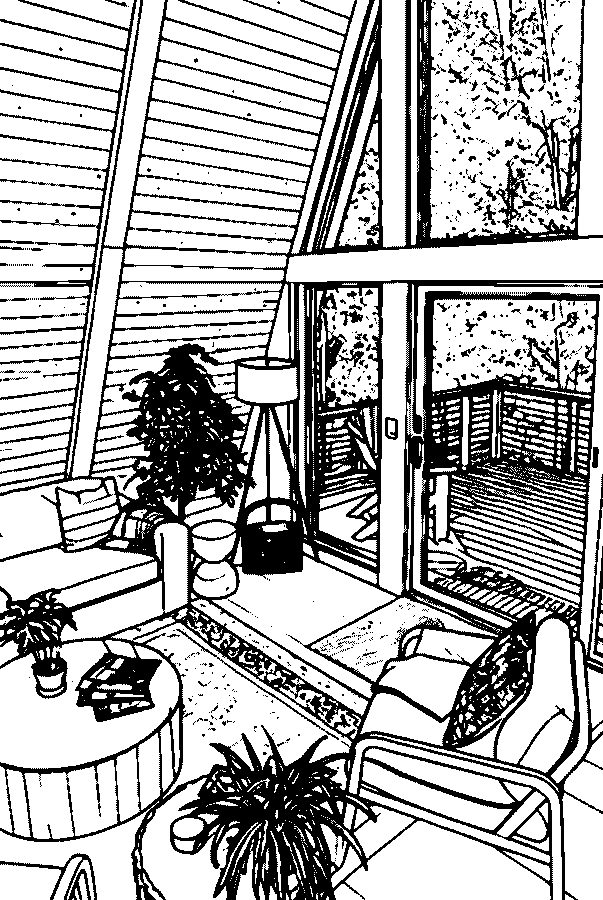
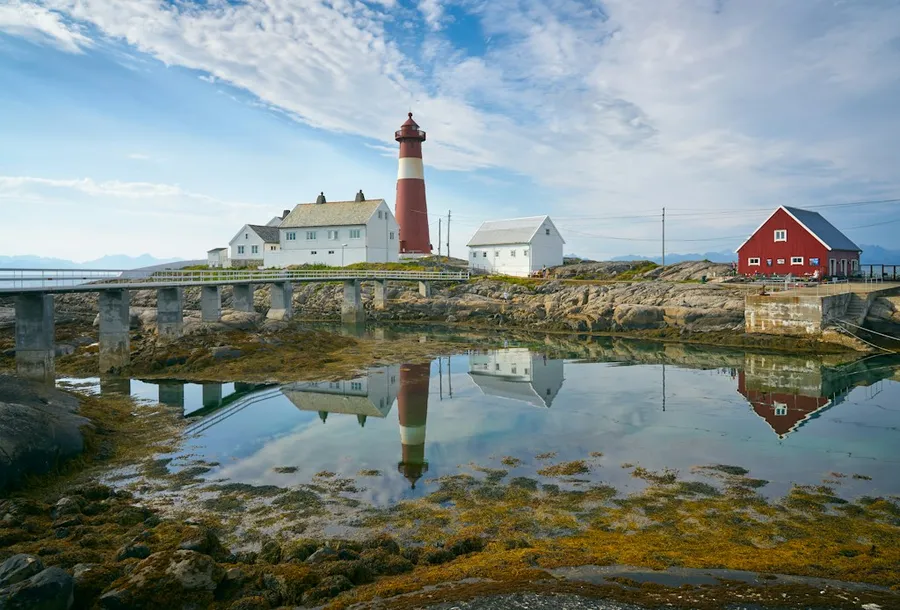
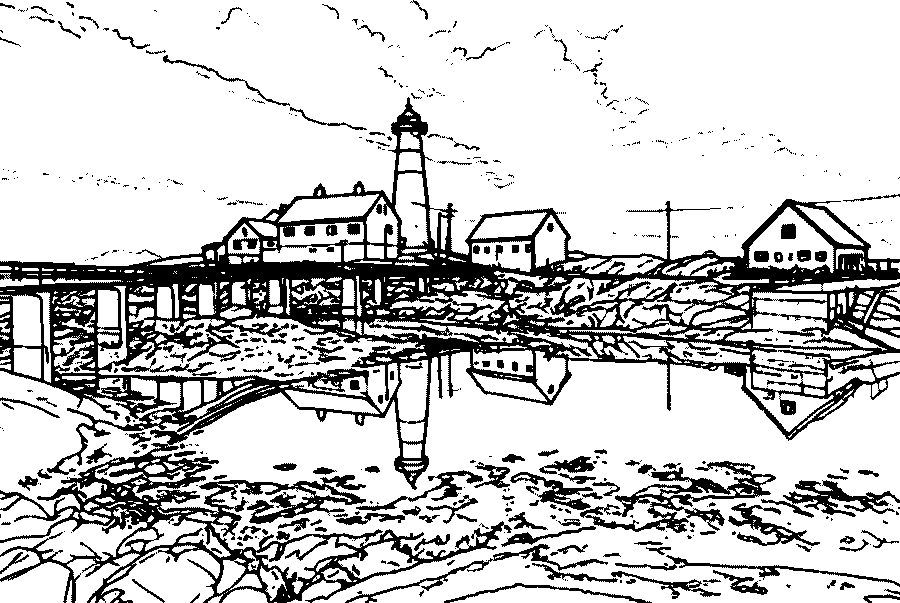
Photos and the coloring pages made from them
Unedited results from this converter. Settings are listed under each pair.

How to print your coloring page
Press Print on the finished page to send it straight to your printer, or download the PDF and print at 100% or Actual Size. Pages have half-inch margins, so nothing is cut off on Letter or A4 paper.
Everyday copy paper is fine for crayons and colored pencils. For markers, a heavier paper or light cardstock stops ink from bleeding through. The lines in the file are pure black, so if they print gray, check your printer's draft or toner-saving setting.
Making pages for a whole album? Create a coloring book from your photos and download every page, with a color photo cover, as one PDF.
Coloring page from a photo: questions
How do I turn a regular picture into a coloring page?
Upload it at the top of this page, pick Standard or Simple for Kids, and press Create coloring page. When the outlines appear, choose a line weight and print the page or download the PDF. Screenshots, scanned drawings and saved images work the same way as camera photos.
Can I make a coloring page from a photo for free?
Yes. Your first page is free without an account, and a free account adds 3 more. After that, pages use credits from a one-time pack; there is no subscription. See pricing.
Can ChatGPT turn photos into coloring pages?
Chat assistants that generate images can redraw a photo as line art if you ask. They do not size the page for printing, the result can include gray shading, and faces may change between attempts. A dedicated converter returns pure black lines on a print-ready Letter or A4 page.
What is the best free app to turn photos into coloring pages?
You do not need an app. This converter runs in the browser on iPhone, Android, tablets and computers, accepts HEIC photos as they are, and your first page is free.
How long does it take to make a coloring page from a photo?
Most pages are ready in about 15 seconds after you press Create. Switching the line weight afterwards is instant and does not use another credit.
Will the page still look like the people in my photo?
The page keeps the pose, framing and expressions from your photo: eyes open or closed, the direction of a look, a smile. It leaves out fabric prints and blurry backgrounds so every area is easy to color.
Are my photos kept?
No. Your original photo is deleted as soon as the page is ready. Finished pages are stored privately, never shown in a public gallery and never used by us to train AI.
Make your first coloring page
Upload a photo and print a page in under a minute. The first one is free.
Upload a photo