
Make a coloring book from your photos
Pick the photos that matter, from a family trip to a new puppy, and turn them into one printable coloring book. Each photo becomes a page, the first page carries your title, and every page is numbered.
- Up to 24 pages
- Color photo cover and page numbers
- One PDF, Letter or A4
Pages
0/24Preview
Book settings
Sign in to make a coloring book. New accounts get 3 free pages to start.
Create a free accountEach page uses 1 credit. Failed pages are refunded automatically.
- Photos per book
- 24 pages
- Letter and A4
- 300 DPI
- Cover and page numbers
- 1 PDF
- Per page
- 1 credit
What is a coloring book from photos?
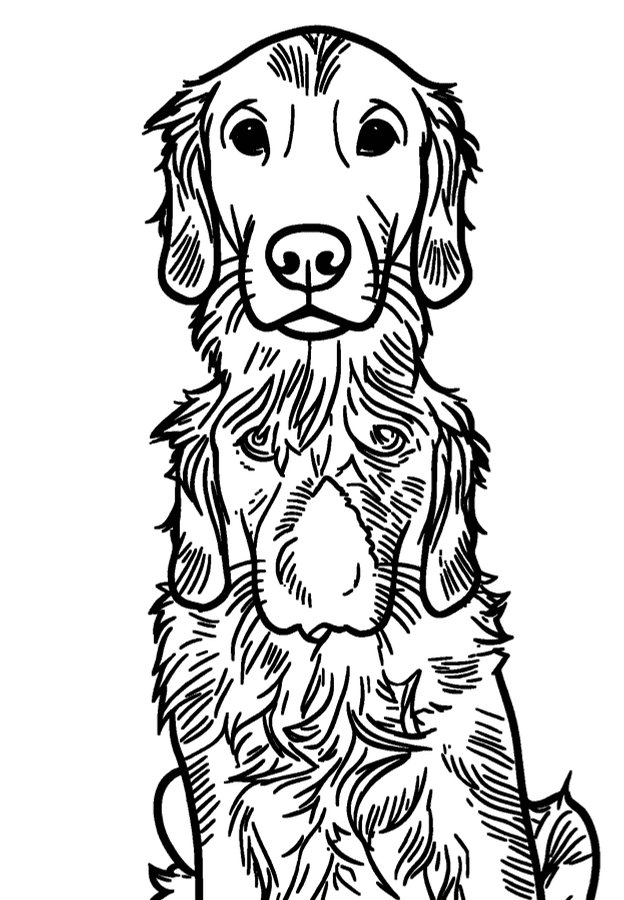
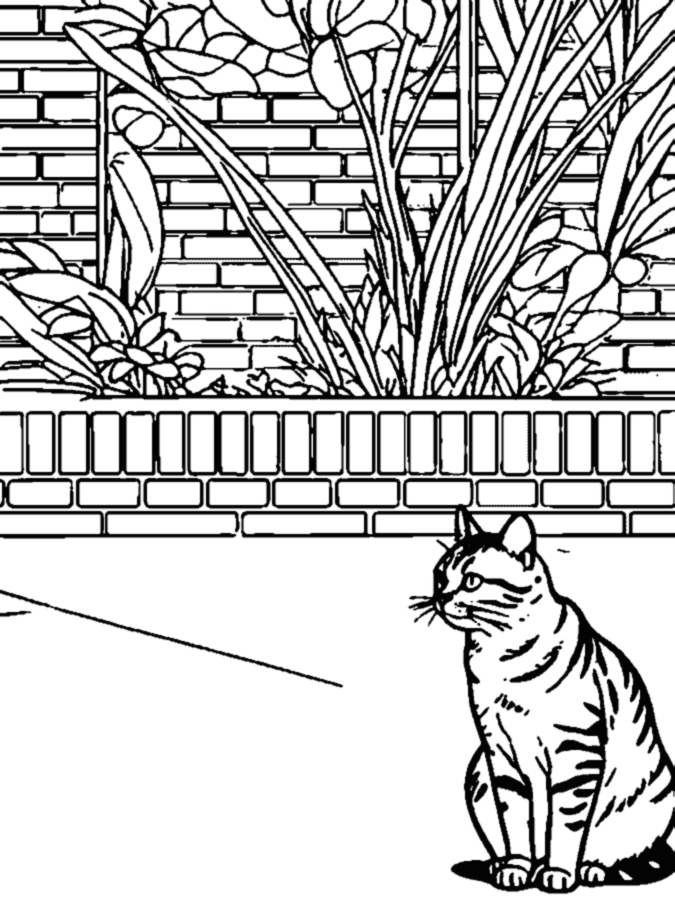
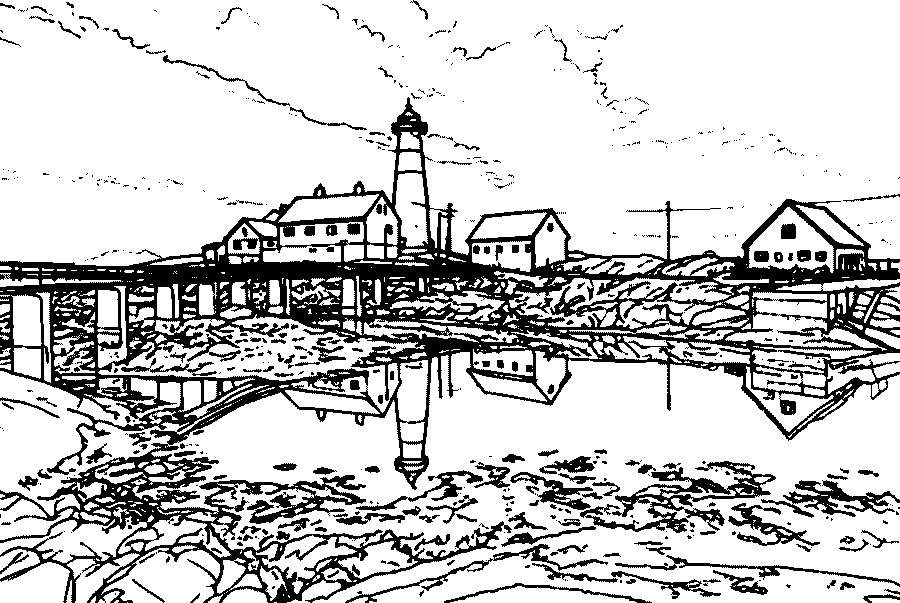
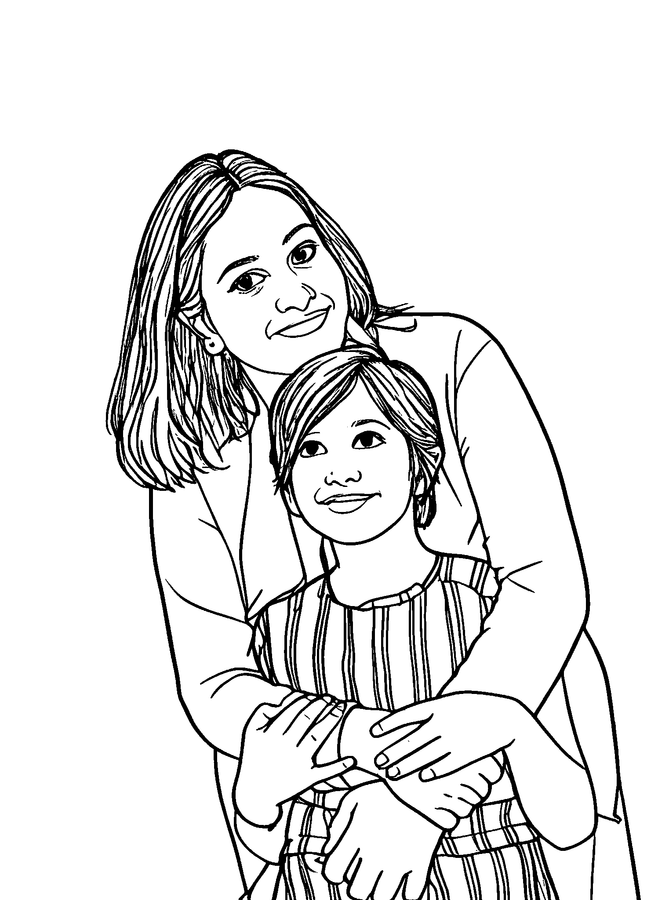
It is a coloring book where every page comes from your own pictures. Instead of cartoon animals and generic scenes, kids color their own family, their pets, their house and the places they have been. Each photo is redrawn as black outlines on white, with the people and places still recognizable, and the pages are bound together into one printable PDF.
Because the pages are personal, the book tends to get colored rather than left in a drawer. Children point out who is who, grandparents recognize the scenes, and the finished book becomes a keepsake in its own right.
You choose everything that matters: which photos go in, their order, the title on the cover, how thick the lines are and which paper size to print on. The pages themselves are drawn automatically, so a 20-page book takes minutes rather than an afternoon of tracing.
How to make a coloring book from photos
Choose your photos
Add up to 24 photos at once. Clear pictures with one main subject make the best pages.
Put them in order
Move photos earlier or later so the book tells the story in the order you want.
Create the pages
Press Create coloring pages. Each photo becomes a page; you can watch them finish one by one.
Add a title and settings
Type the title, pick which photo goes on the color cover, choose thin, medium or bold lines, and pick Letter or A4 paper.
Download and print
Download one PDF with a cover and numbered pages, then print it at home or at a copy shop.
What goes into a good coloring book
A photo coloring book is printed at home far more often than at a print shop, so a few practical choices make a big difference.
Paper weight
Regular 20 lb copy paper is fine for crayons and colored pencils. For markers, use 24 to 32 lb paper or cardstock so ink does not bleed through.
Binding
A stapler along the left edge works for up to about 10 sheets. For thicker books, ask a copy shop for coil or comb binding, or punch holes and use a binder.
Margins
Every page has a half-inch white margin, so home printers never cut off the lines and there is room for staples or holes. The pages are designed to print without bleed.
Page count
Ten to twenty pages is the sweet spot for a gift or party favor. Mix close-ups of faces and pets with a few scenes so the book has variety.
Great for
Birthdays
A book of the birthday child's year, or of the guests, makes a party favor nobody else will have.
Weddings
Put a coloring book of the couple's photos on the kids' table to keep young guests busy during dinner.
Memorials and keepsakes
A gentle way for children to remember a grandparent or a family pet, page by page.
Classrooms
Turn a year of class photos and field trips into an end-of-year book for every student.
Ideas for a photo coloring book
A theme makes the book feel finished and helps you pick photos quickly.
Our family
One page per family member, plus the pets and the house. A simple first book for toddlers.
A year in pictures
One or two photos per month, from holidays and birthdays to the first snow.
Our trip
The beach, the hotel, the zoo and the car ride, in the order they happened.
All about my pet
A dog or cat from puppy pictures to today. Pets make some of the clearest pages.
How to choose photos for the book
Pick photos where the subject is large and well lit. Faces that fill a good part of the frame stay recognizable; people far in the background become tiny shapes that are hard to color.
Mix close-ups with a few wider scenes so the book does not feel repetitive, and leave out very dark or blurry shots. If a page comes out busier than you like, a bolder line weight in the download settings makes it easier for small children.
Old printed photos work too. Lay the print flat near a window, take a straight-on picture with your phone so there is no glare, and add that picture to the book like any other photo.
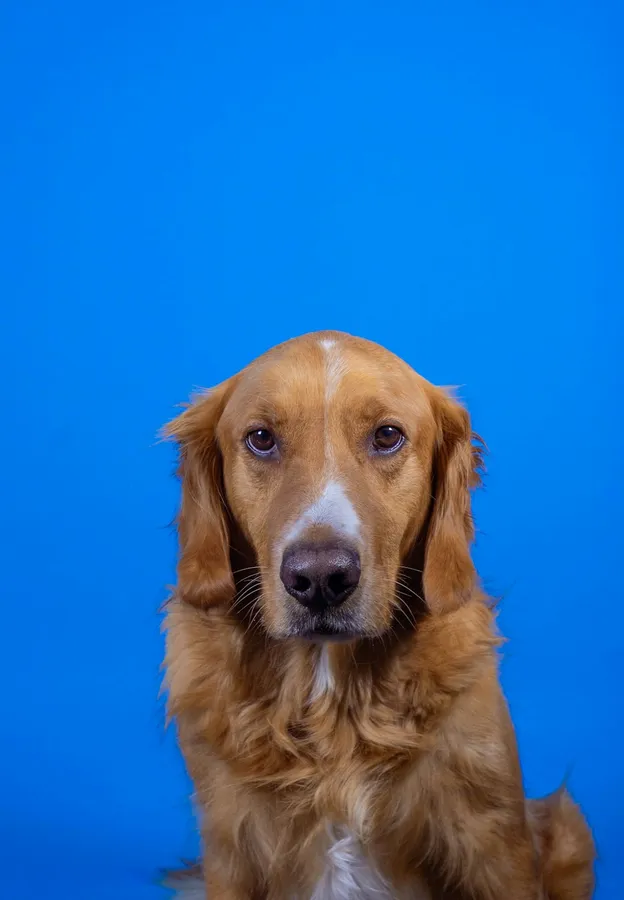
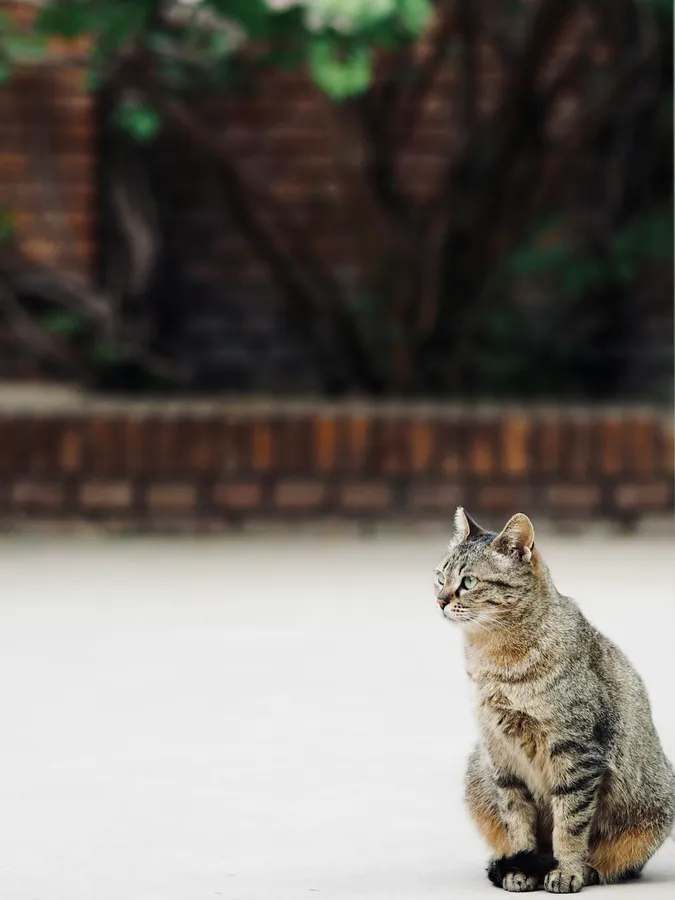
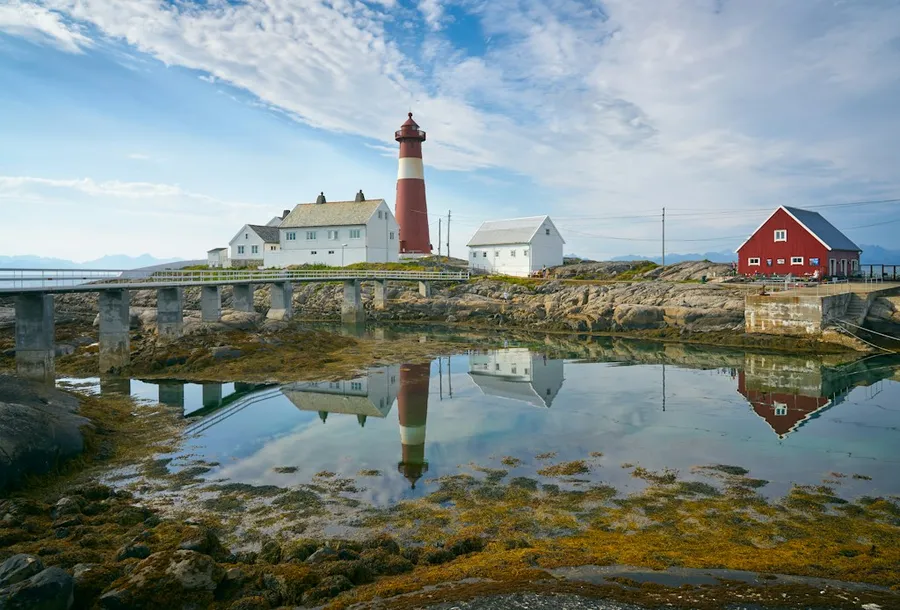
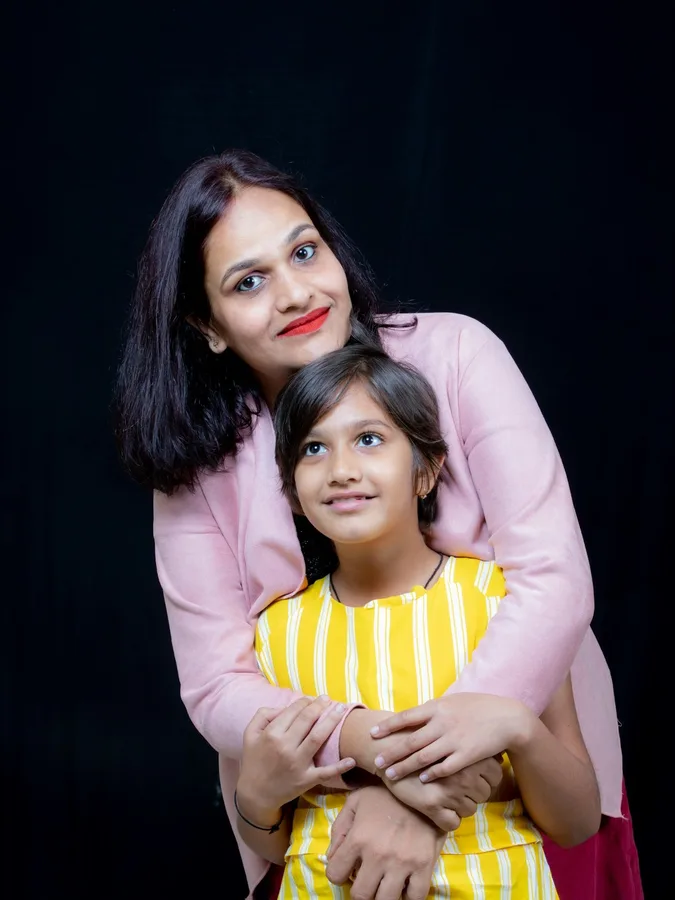
Pages from real photos
Unedited pages from this converter, the same quality you get in the book.
PDF export specs
The download is a single PDF built in your browser. Every page uses the same paper size and line weight, so the book prints evenly.
Open the PDF in any viewer and print at 100% or Actual Size. Choosing Fit to Page shrinks the margins slightly but keeps the lines sharp.
Paper sizes
US Letter (8.5 x 11 in) or A4 (210 x 297 mm), chosen before you download.
Resolution
Pages are rendered at 300 DPI: 2550 x 3300 pixels on Letter, 2480 x 3508 pixels on A4.
Cover
Choose a color photo cover (your chosen photo in full color, framed, with your title), a line art cover (your title above the first picture) or no cover.
Page numbers
Each coloring page is numbered at the bottom, inside the margin.
Coloring book questions
How many photos can I put in one coloring book?
Up to 24 photos per book. Each photo becomes one page and uses 1 credit.
Do I need an account?
Yes, because a book uses one credit per page. New accounts get 3 free pages, and credit packs start at 100 pages for $9.90.
Can I change the order of the pages?
Yes. Move photos earlier or later before you create the pages. The book follows that order.
What happens if one page fails?
That page is marked as failed and its credit is returned automatically. The book is built from the pages that succeeded.
Can I print the book at a copy shop?
Yes. Bring the PDF and ask for it printed at 100% scale on Letter or A4. The half-inch margins leave room for binding.
Can I make single pages instead of a book?
Yes. Use the photo to coloring page tool for one page at a time, with PNG and SVG downloads as well as PDF, or the image to coloring page converter for screenshots and drawings.
What cover options are there?
Color photo puts one of your photos in full color on the cover with your title. Line art uses the line art of a page instead, and None starts the book on page one. You can pick which photo goes on the cover.
Can I add pages I already made with the single page tool?
Yes. Press Add to Coloring Book on a finished page and it joins your book without using another credit.
Can I choose the line weight and paper size for the whole book?
Yes. Thin, medium or bold lines and Letter or A4 apply to every page, and you can change them before you download without using credits.
Are the pages numbered?
Yes. Every page in the PDF is numbered, and the title you type is printed on the cover.
Turn your photos into a coloring book
Choose the photos, set the order and print a book that is all yours.
Start a book