Photo to outline converter
Upload a photo and get clean black outlines on white, ready to trace, stitch or cut. Pick thin, medium or bold lines, then download an SVG vector or a print-ready PDF.
- SVG vector download
- 3 line weights
- First outline free
Your photo is deleted as soon as your page is ready.
- Vector paths, any size
- SVG
- Thin, medium, bold
- 3 weights
- Letter and A4 PDF
- 300 DPI
- iPhone photos accepted
- HEIC ready
Photo to outline converter online
An outline keeps only the edges that matter: the shape of a face, the curve of a pet's ear, the lines of a building. Shading, color and texture are removed, and what is left is a set of closed black lines on a white background. That makes it useful far beyond coloring: as a tracing guide, an embroidery pattern, a stencil or the base for a tattoo sketch.
This converter uses an AI image model to find those lines, then cleans the result into pure black and white in your browser so there are no gray smudges to deal with.
Turn a photo into a line drawing with AI
Edge-detection filters trace every change in brightness, which turns grass, fabric and shadows into noise. The AI model instead redraws the picture the way an illustrator would, keeping the subject and its outline and dropping the clutter. The pose, framing and proportions stay the same as your photo.
If you want a page to color rather than a tracing outline, the photo to coloring page converter uses the same engine with settings tuned for coloring.
Photo to pencil sketch or outline?
A pencil sketch keeps shading: soft gray tones that suggest light and depth. An outline does not. This converter makes outlines, which is what you want for tracing, transfer paper, embroidery and cutting machines, because shading cannot be stitched or cut.
Choose the thin line weight when you want a lighter, sketch-like drawing for hand tracing; the lines stay pure black so they transfer cleanly.
If you do want a shaded pencil or charcoal sketch, the picture to drawing tool has eight hand-drawn styles.
Three line weights
Pick the weight after the outline is made. Switching is instant and does not use another credit.
Thin
The lines exactly as drawn. Best for detailed tracing, fine-tip pens and embroidery patterns where every stitch line counts.
Medium
Lines grown slightly so they read clearly from arm's length. A good default for printed stencils and transfer sheets.
Bold
The heaviest outline, easy to see through tracing paper and to cut around. Very fine details may merge, so check close-up areas before cutting.
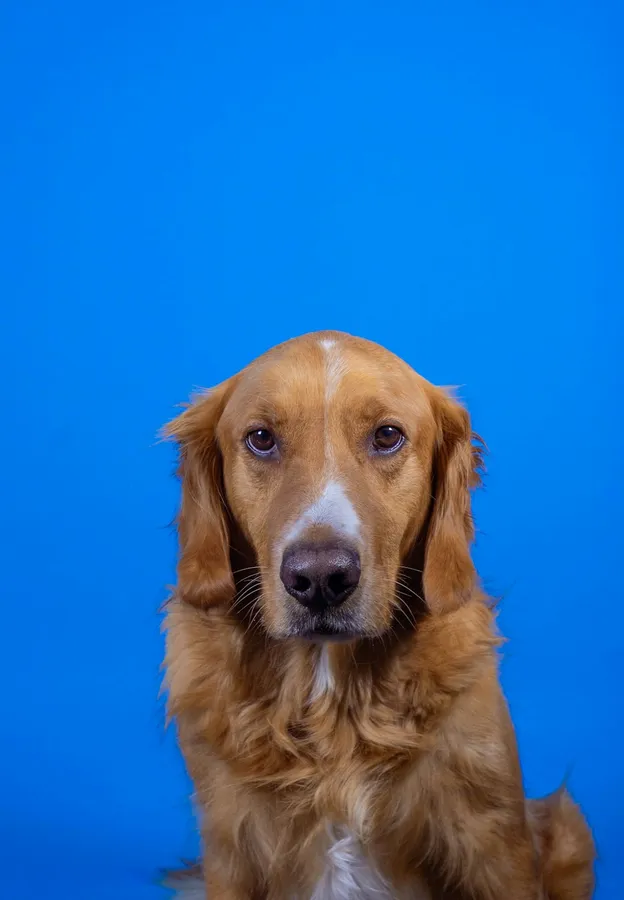
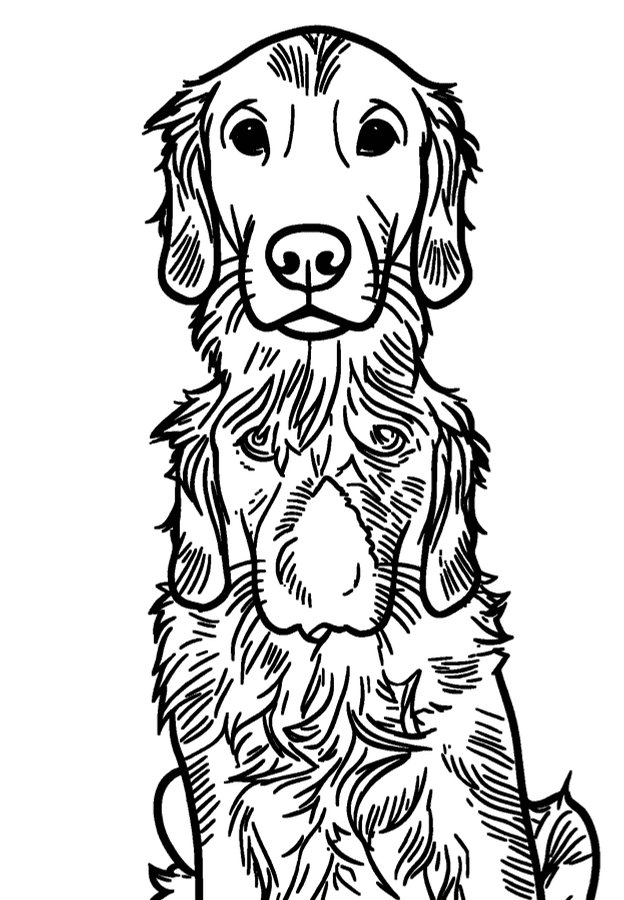
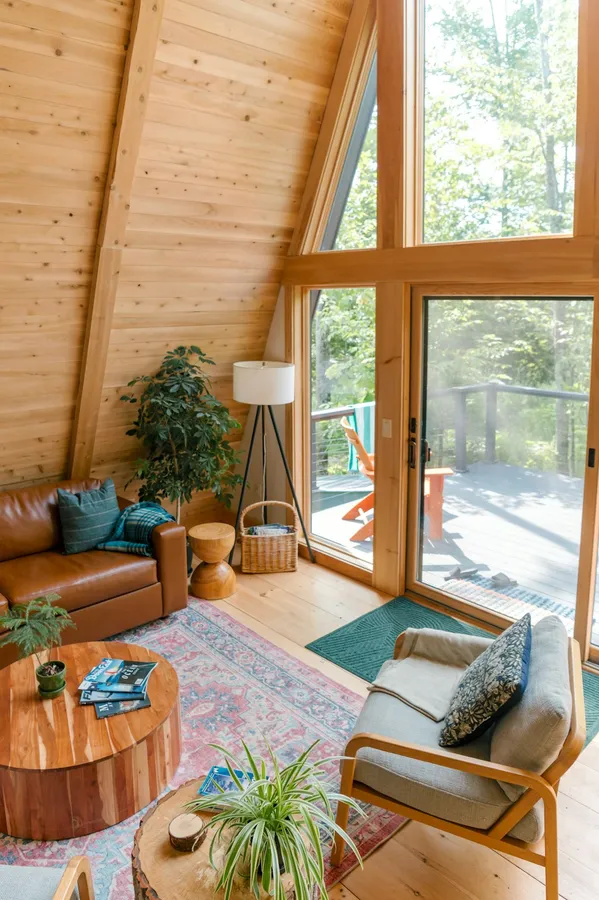
Photo to outline examples
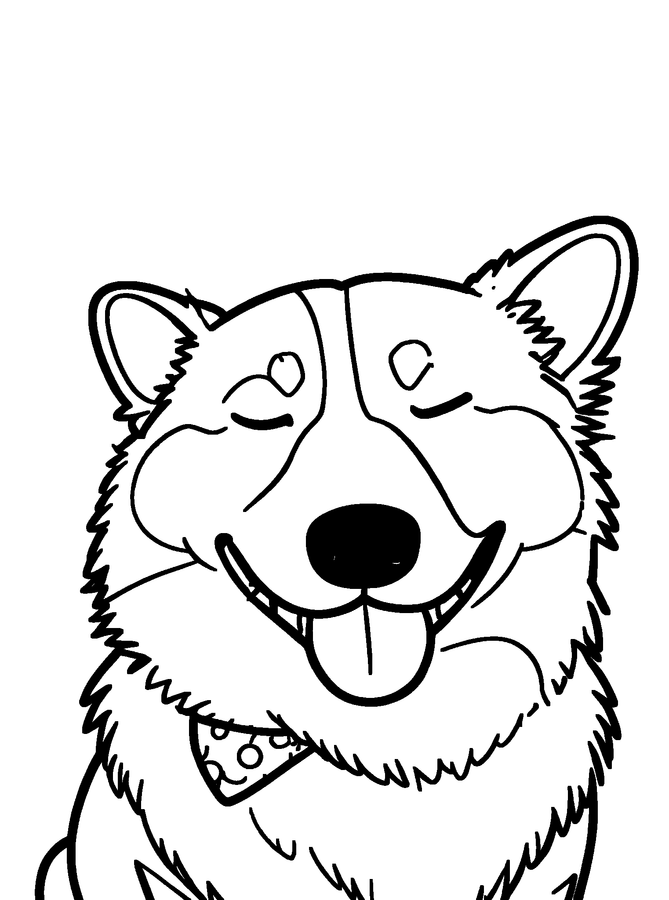
Unedited results from this converter. Settings are listed under each pair.
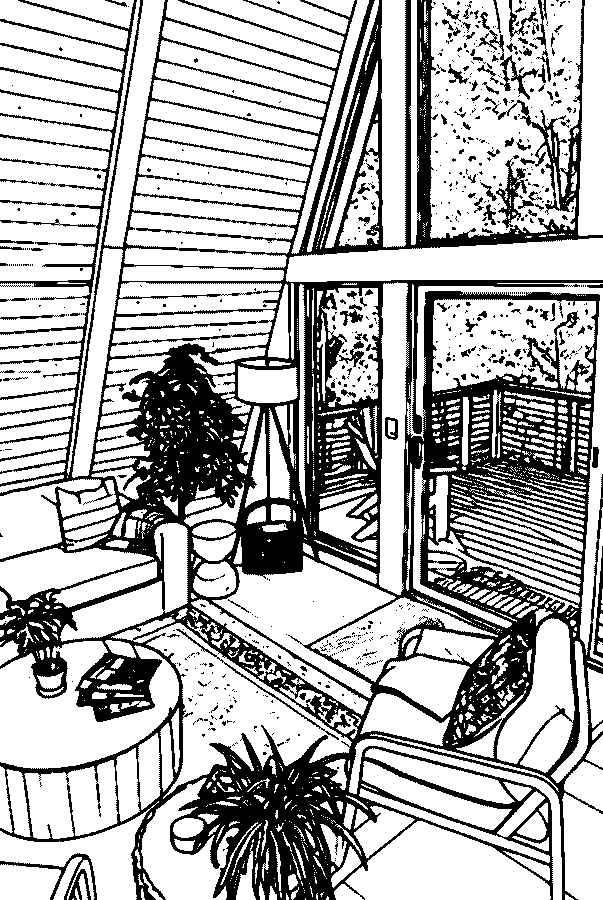
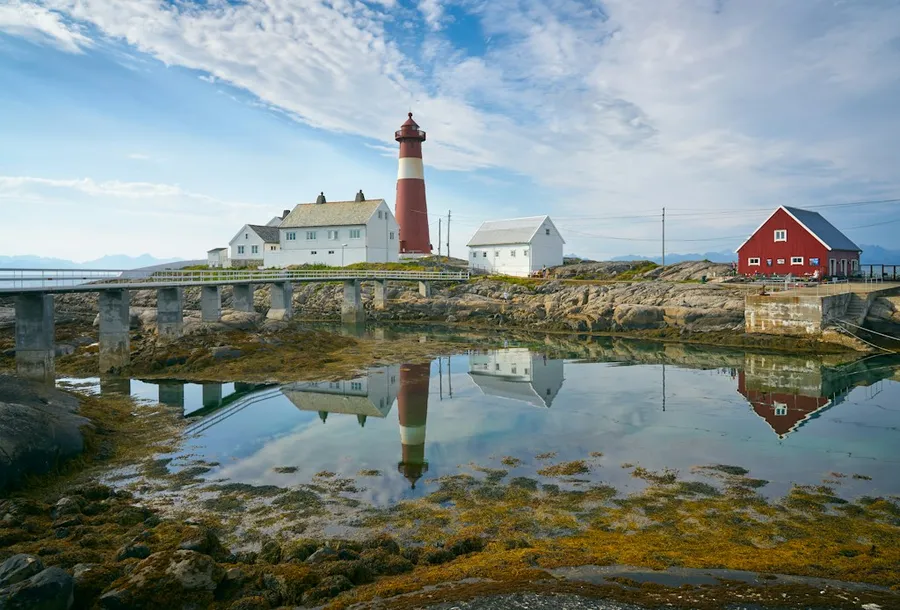
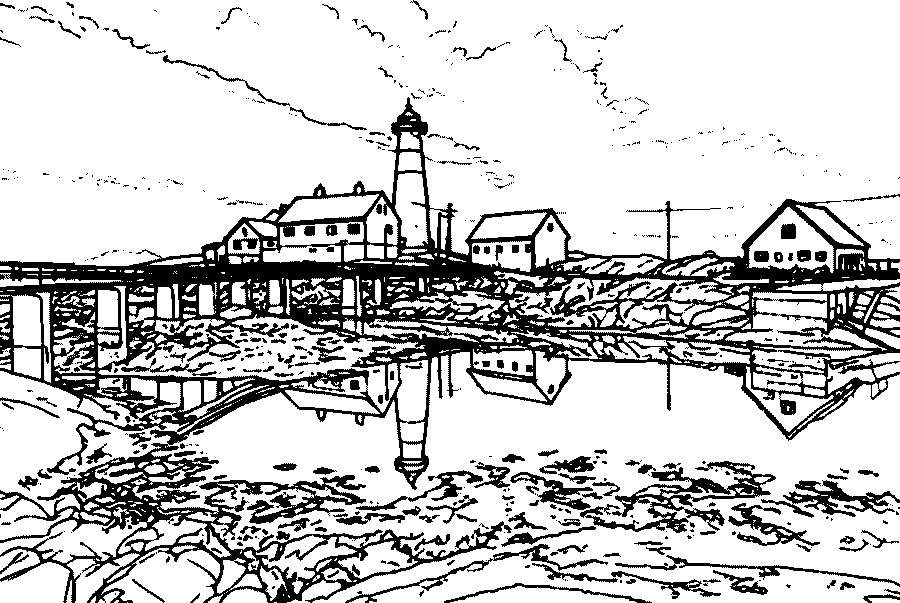
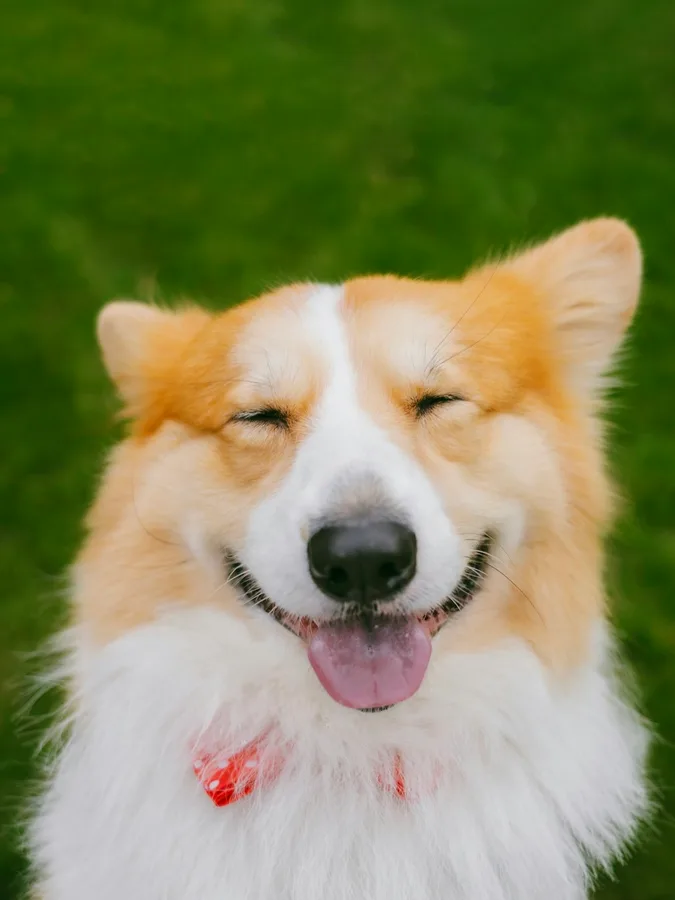
Where to use a photo outline
Embroidery patterns
Print the outline at the hoop size, transfer it to fabric and stitch along the lines. Thin lines keep small details like eyes and whiskers.
Tracing templates
Use the PDF on a light box or with carbon paper to transfer a portrait onto wood, canvas or a card.
Stencils
Bold lines and the SVG file give clean shapes to cut from vinyl, card or acetate.
Coloring pages
Any outline doubles as a coloring page. Print it at Letter or A4 and hand it over with crayons.
Tattoo sketches
Take the outline to your artist as a starting reference for placement and proportions. The final design is theirs to draw.
PNG or SVG?
Download a PNG when you want an image to print or share. It is a full Letter or A4 page at 300 DPI with white margins.
Download an SVG when the outline is going into Cricut Design Space, Silhouette Studio, Inkscape, Illustrator or embroidery software. SVG files are vectors: they scale to any size without blurring, and each line is an editable path.
Need it on paper right away? The PDF option prints at true size from any computer.
Photo to line art for crafts and design
Line art is the outline of a picture with nothing else on the page, which is exactly what crafters, sign makers and designers need as a starting point. Upload a photo or an image, and the converter returns line art as a 300 DPI page and as an SVG vector you can open in design software.
Because every line is pure black, the result also works as an image to outline converter for logos, product shots and drawings: there are no gray pixels to clean up before you trace, vectorize further or cut.
Working on a full coloring book instead? Turn several family photos into pages with the coloring page converter and print them together.
Photo to outline questions
How do I convert a photo to an outline?
Upload the photo, keep the Standard style and press Create coloring page. When the outline appears, pick a line weight and download SVG, PNG or PDF.
Can I get a transparent background?
The SVG contains only the black line paths plus a white page rectangle you can delete in any vector editor, which leaves the lines on a transparent background. The PNG and PDF have a white background for printing.
Will the SVG work with Cricut or Silhouette?
The file is a standard SVG made of filled black paths, the format those programs import. Bold lines are the easiest to cut; check very small details at your cutting size first.
Is this an image to outline converter for drawings too?
Yes. Scanned drawings, illustrations and screenshots work like photos. Clear, well-lit images with one main subject give the cleanest outlines.
Is the outline free?
Your first outline is free without an account, and a free account adds 3 more. Changing the line weight or downloading another format of the same outline never uses a credit.
What photos work best?
Photos with a clear subject, even light and a simple background. Very dark photos, heavy motion blur or crowds of small faces produce more cluttered lines.
What line weight should I pick for tracing or embroidery?
Thin keeps small details such as hair and eyelashes and suits tracing on a light box. Medium is the everyday choice for coloring and transfer paper. Bold makes thick, even strokes that are easier to stitch, cut on a craft machine or see from a distance. You can switch between them after the outline is made without using another credit.
Can I resize the outline without losing quality?
Yes. The SVG is a vector file, so you can scale it to any size in Inkscape, Illustrator, Canva or Cricut Design Space and the lines stay sharp. The PNG and PDF are 300 DPI at Letter or A4 size and print cleanly at that size; for posters or large stencils, use the SVG.
Does the photo to outline converter work on my phone?
Yes. It runs in the browser on iPhone, Android, tablets and computers, and HEIC photos from iPhone are accepted. There is nothing to install.
Are my photos kept after the outline is made?
No. The photo you upload is deleted from our storage as soon as the outline is finished or the attempt fails. The finished outline is stored privately so you can download it again, and it is never shown in a public gallery or used by us to train AI models.
Turn your photo into an outline
Upload a picture and download the SVG in under a minute.
Upload a photo